How kids’ drawings come alive on your TV
You can’t point a phone at just any doodle and make it dance — but you can watch a child’s own coloring move on the big screen in a few seconds. Here’s what happens between the paper and the TV, and what you need at home.
Free to start — no app, no card. Works with any phone and any screen with a web browser.
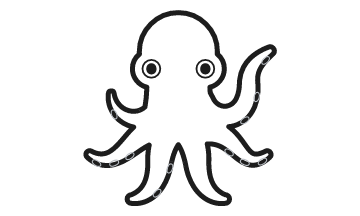 1. The printed sheet
 2. Colored and cut out on the phone
Under the hood
From paper to screen in four steps
A printed character sheet
Each of the 27 printable characters has square markers in its corners and a code that tells the phone which character it is. Kids color it with anything — crayons, markers, colored pencils.
A scan in the phone’s browser
Open the room link on a phone and point the camera at the sheet. The phone finds the corner markers and straightens the page, so it doesn’t need to be held perfectly flat or square.
A cutout, made on the phone
The phone cuts out just the colored character along its printed outline. Only that flat cutout is sent on — never the photo — and none of this needs an app.
An animated character on the TV
The display adds the cutout to the scene, where it moves like that character with the child’s exact colors and patterns, alongside every other drawing in the room.
At home
What you need to do it at home
A screen with a web browser
Any of these work as the display: a smart TV’s built-in browser (pair it by opening draw2life.com/link on the TV and scanning the code with your phone), a laptop plugged into the TV, a laptop or tablet screen on its own, or a projector.
A phone with a camera
Any iPhone or Android phone with a web browser. There’s no app to download, and kids don’t need a phone of their own.
A printer — or a tablet
Print the free character sheets on letter paper at 100% scale. No printer? Kids can color a character on a phone or tablet instead, and it joins the same scene.
An internet connection
The phone and the TV talk to each other through Draw2Life, so both need to be online.
What it looks like
Colored characters, ready to swim
These are colored characters from the live demo on our home page. Each keeps its colors when it moves into the scene.
- Octopus
 Clownfish
 Seahorse
 Crab
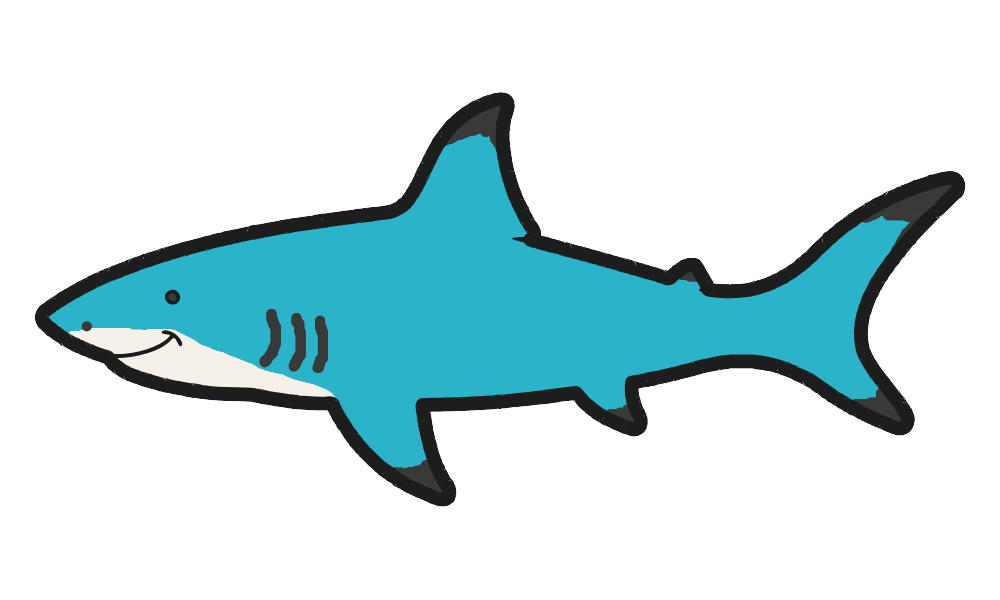 Shark
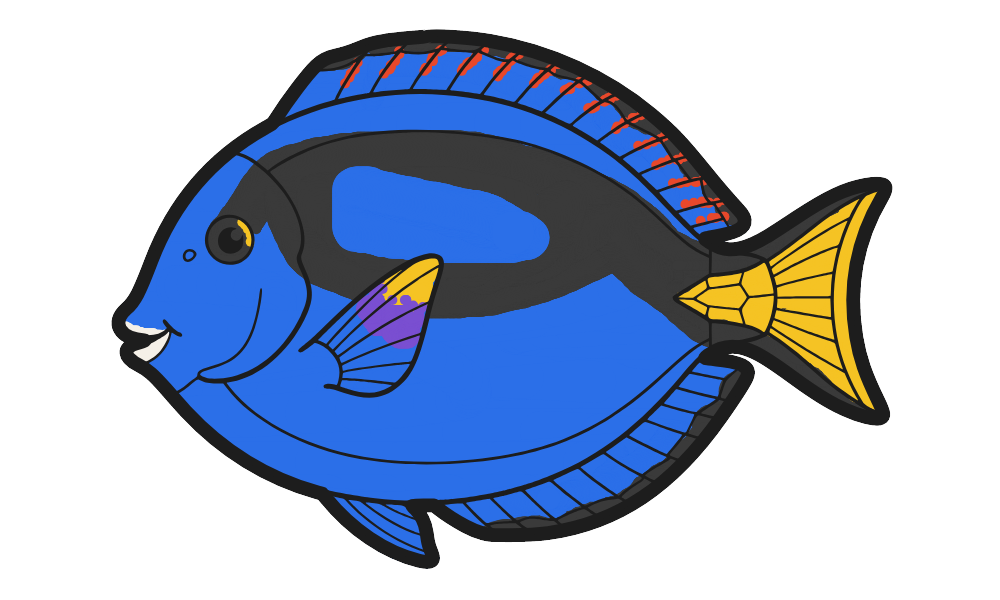 Tang
Good to know
What it can and can’t do
- It animates Draw2Life’s printed characters, not free-hand drawings on blank paper. The printed outline and corner markers are what let the phone cut the drawing out and the scene animate it.
- Any coloring style works. Neat or scribbly, the character keeps whatever colors are inside its outline.
- Lots of drawings at once. The scene shows up to 15 characters at a time on the Free plan and more on paid plans, all moving together.
- It needs to be online. There’s no offline mode.
FAQ
Common questions
Can I animate any drawing my child makes?
Not free-hand drawings on blank paper. Draw2Life animates its own printable characters: the printed outline and corner markers let the phone cut the drawing out and the scene animate it. Within that outline, any colors and patterns your child adds appear on screen.
Does my TV need an app?
No. Open the room's display in the TV's web browser, or pair the TV by opening draw2life.com/link on it and scanning the code with your phone. A laptop connected to the TV works too.
Which TVs work?
Any TV or projector that can show a modern web browser, either built in or from a connected laptop. If your TV has no usable browser, plug in a laptop or use a laptop or tablet screen as the display.
Is a photo of my child uploaded?
No. The camera image is processed on the phone, which sends only the cut-out drawing. Rooms and drawings are deleted automatically about a week after the room ends.
Is it free?
Yes, to start. The Free plan runs a room for 4 hours with up to 15 drawings and a small watermark, with no credit card. An Event Pass ($19 one-time) gives one room 48 hours and up to 100 drawings.
Can kids color on a tablet instead of paper?
Yes. When scanning, choose "Color on this device" to paint a character with a finger on a phone or tablet. It joins the same scene as the paper drawings.
Keep reading
More ways to use Draw2Life
See your kids’ drawings move tonight
Create a free room, print a couple of characters, and put the scene on your TV — it takes a few minutes.